> For the complete documentation index, see [llms.txt](https://viperone.gitbook.io/pentest-everything/llms.txt). Markdown versions of documentation pages are available by appending `.md` to page URLs; this page is available as [Markdown](https://viperone.gitbook.io/pentest-everything/writeups/tryhackme/linux/surfer.md).
# Surfer
https\://tryhackme.com/room/surfer
## Nmap
```
sudo nmap 10.10.133.231 -p- -sS -sV
PORT STATE SERVICE VERSION
22/tcp open ssh OpenSSH 8.2p1 Ubuntu 4ubuntu0.4 (Ubuntu Linux; protocol 2.0)
80/tcp open http Apache httpd 2.4.38 ((Debian))
Service Info: OS: Linux; CPE: cpe:/o:linux:linux_kernel
```
## Web Server
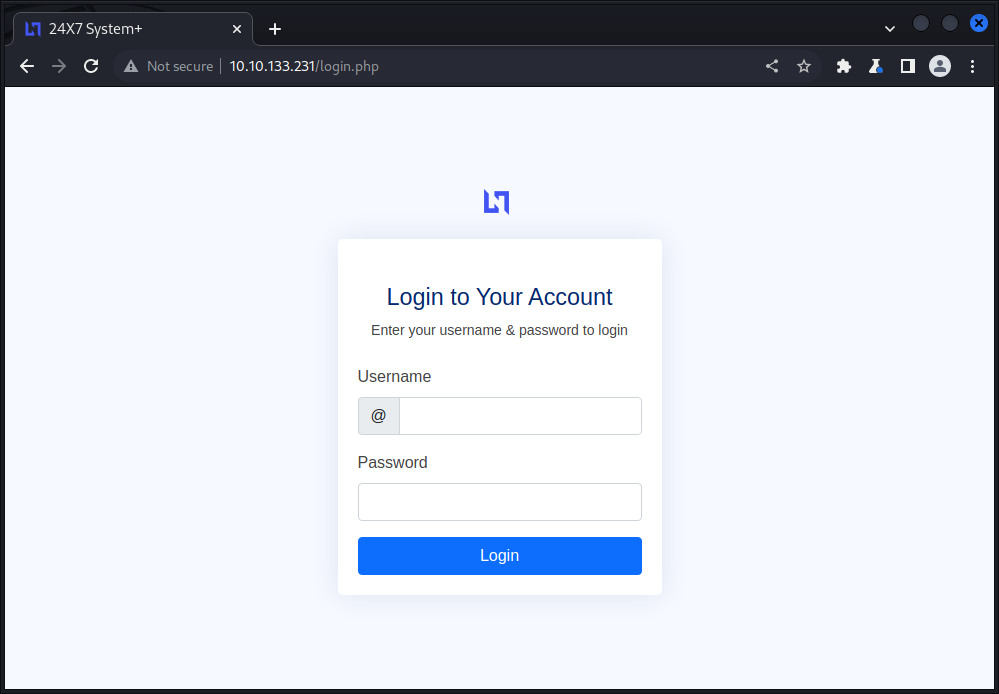
The root page for the web server takes us to a login page.
Trying some standard credentials we are able to gain access with `admin:admin`. After login we are presented with the dashboard for 24X7 System+.
Inspecting the Admin's profile we take notice that the admin has mentioned a tool they have created that generates reports in pdf.
Going back to the dashboard we can see the button for exporting to pdf.
Testing the button we observe that by default this prints out the page located on `http://127.0.0.1/server-info.php`.
Using `feroxbuster` we enumerate for further files and discover the existence of `/internal/admin.php`.
```
feroxbuster -u http://10.10.133.231/ -w /usr/share/seclists/Discovery/Web-Content/common.txt -s 200
```
Running curl against the file we are given the message "This page can only be accessed locally."
```
curl http://10.10.133.231/internal/admin.php
```
Looking again at the tool for exporting2pdf we view the page source and can see where the tool takes the parameter "value=\".
Using the browser's inspector we change the value for `value=` to point to `http://127.0.0.1/internal/admin.php`. As this file can read locally we should, hopefully read the `admin.php` file.
After updating the value in the browser inspector and running the tool again we are now able to read the room flag in `admin.php`.